ncWirelessIO
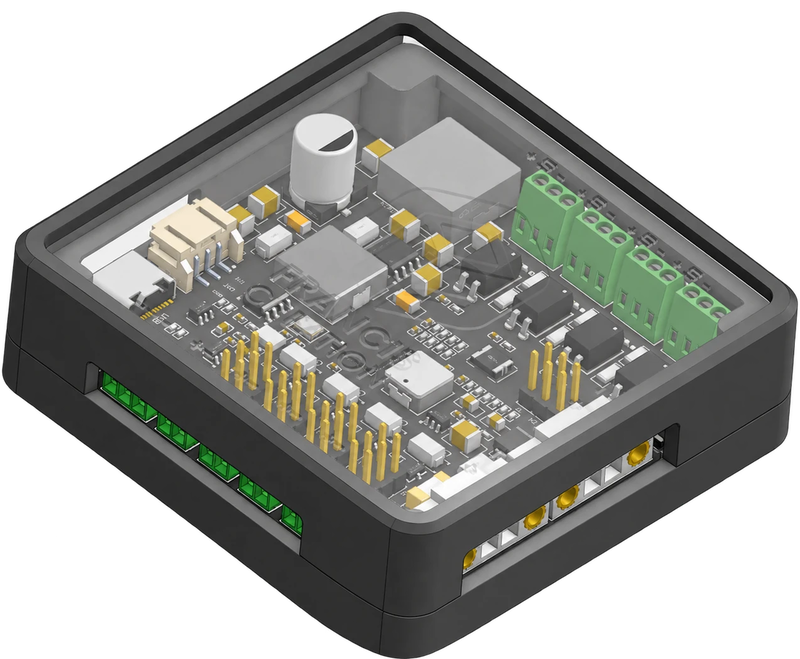
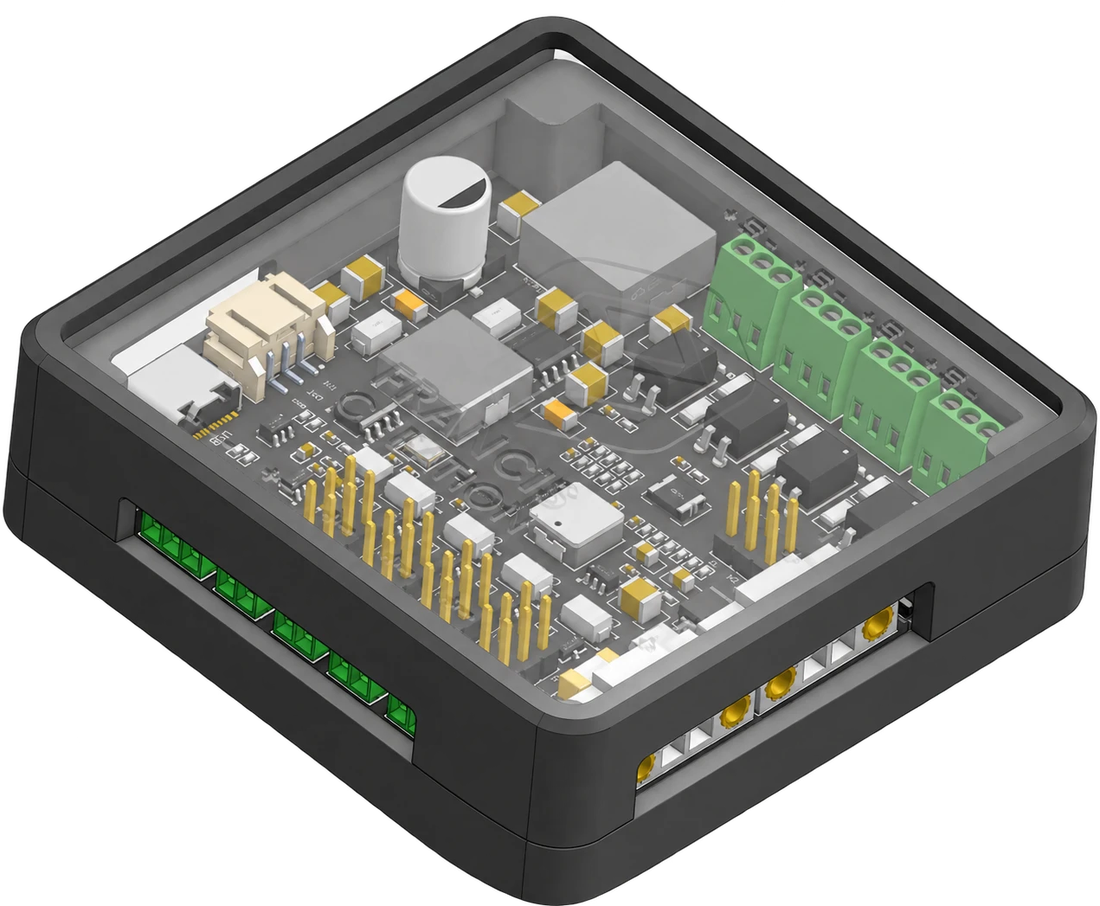
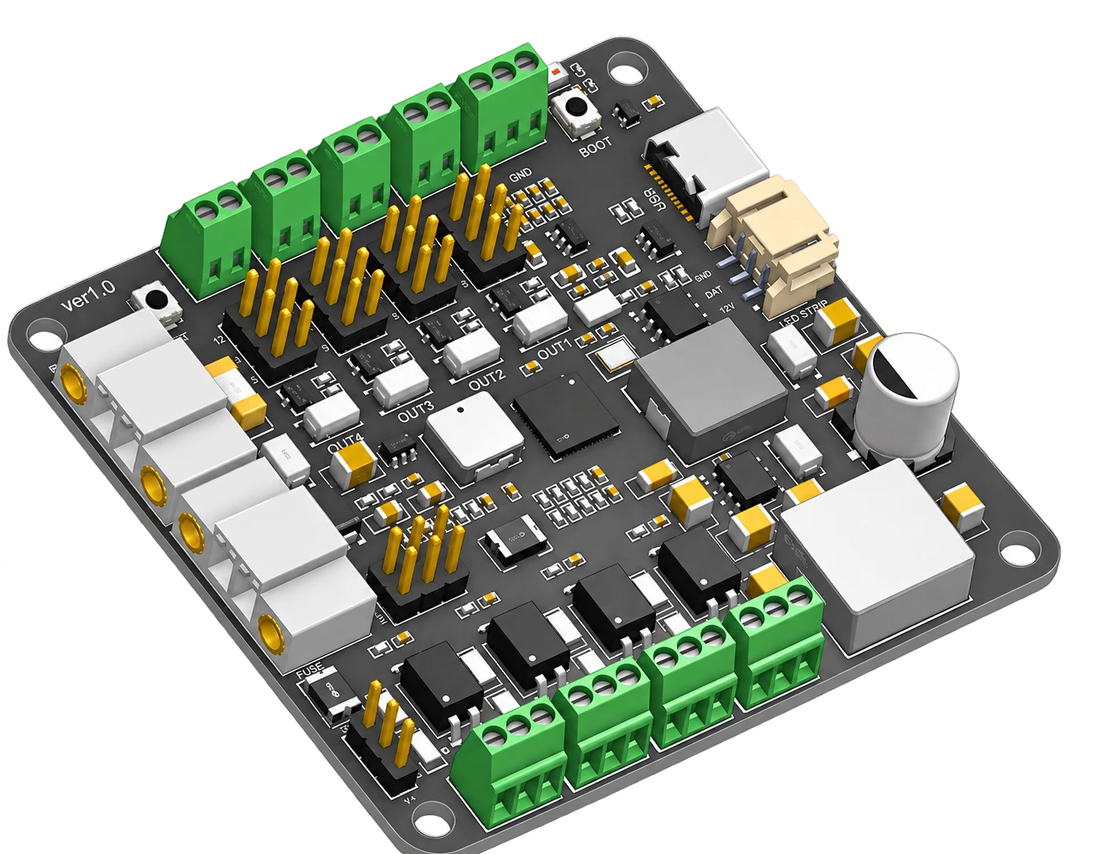
Wireless I/O for ncSender: 4 inputs, 4 switched outputs and a machine-status LED strip port, linked through the ncSender Wireless USB. Built for the Pneumatic ATC plugin.
Wireless I/O for ncSender: 4 inputs, 4 switched outputs and a machine-status LED strip port, linked through the ncSender Wireless USB. Built for the Pneumatic ATC plugin.
Tool change
ncWirelessIO sits at the tool changer and talks to ncSender over the Wireless USB. The drawbar sensor, the tool sensor and the air solenoid wire into it on the spot, not back to the control box, and your controller's own inputs and outputs stay free.
Wiring
Screw terminals for every connection, and a jumper per output so each one runs at the voltage its load needs.
Status light
The same machine-status lighting as the ncSender RGB LED controller, built in. Plug an addressable 12 V strip into the LED port and it shows what the machine is doing, in the colours the ncSender header uses. No strip yet? The status light on the board shows the same colours.
| Supply | 24–48 V DC, reverse-polarity protected |
|---|---|
| Inputs | 4, optically isolated, 3.3–24 V, NPN or PNP |
| Outputs | 4 switched, 5 / 12 / 24 V by jumper |
| LED strip | 12 V addressable (WS2811, WS2812, SK6812) |
| Wireless | Paired through the ncSender Wireless USB |
| Fail-safe | Chosen outputs switch off if the link drops |
| Firmware | Updates over the air or USB-C, from ncSender |
| Size | 70 × 68 mm |
| Manual | ncWirelessIO user manual |
| Requires | ncSender, an ncSender Wireless USB and a 24–48 V supply |
No. Every ncWirelessIO is activated before it ships, so there is nothing to enter. If it is ever wiped, ncSender's Activate restores it from the device itself.
The ncSender software, an ncSender Wireless USB to pair it to, and a 24–48 V DC supply, usually the one already powering your machine.
The ncWirelessIO user manual shows every terminal and jumper on the board, how to wire NPN and PNP sensors and your loads, and how to pair it with ncSender.
Yes. The ncWirelessIO page has a demo video of inputs and outputs driven from ncSender.
No reviews yet.