Live feedback
Your machine's status, in light
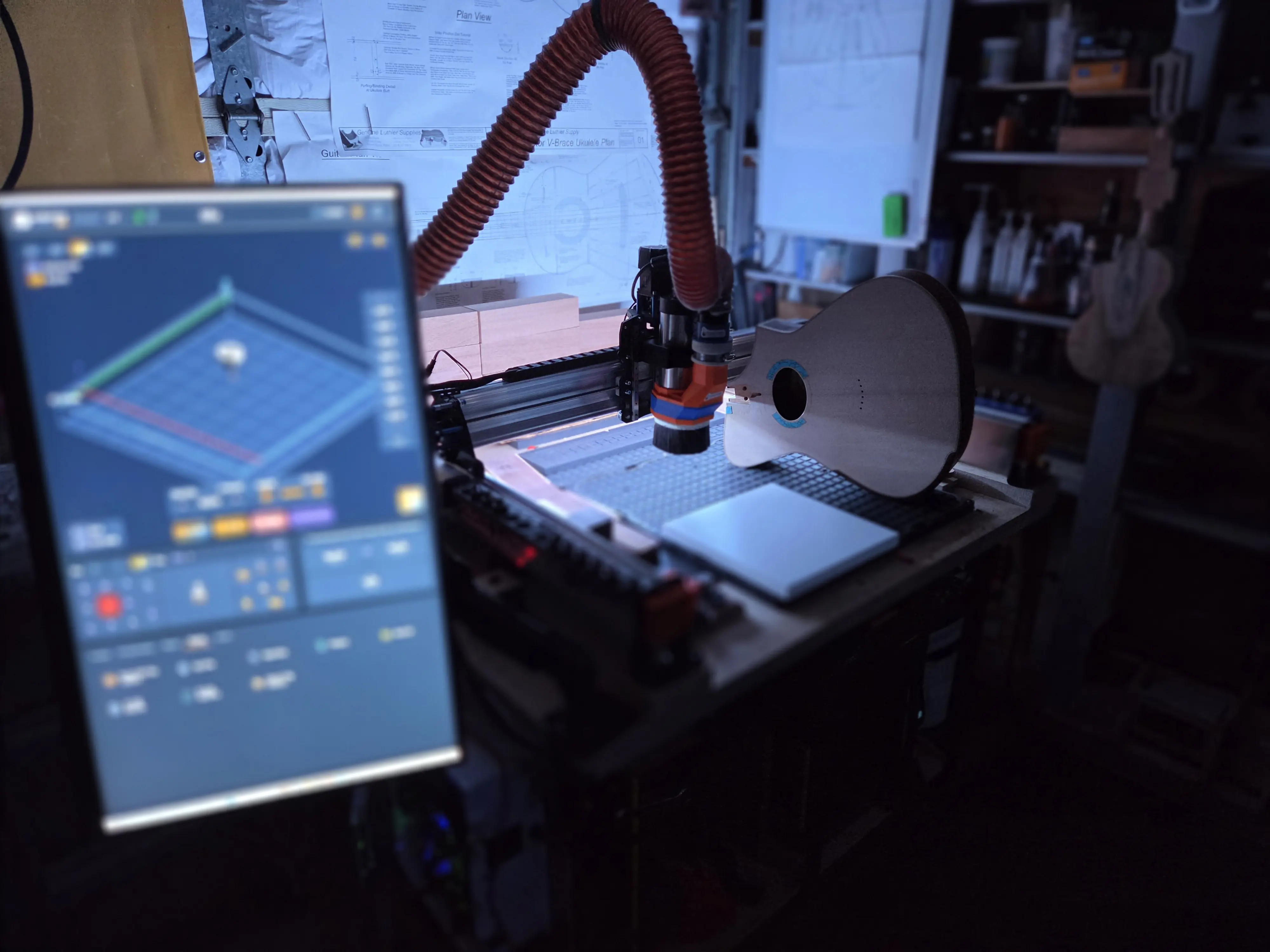
The Smart RGB LED lights your machine to match exactly what it’s doing — green while a job runs, red on an alarm, teal while probing — with no G-code and nothing wired into your controller.
- Automatic out of the box, and fully customisable in the RGB plugin — set the colour for every state
- A colour for each state: idle, running, jogging, hold, alarm, door, probing, homing, tool change and job completion
- Celebrate a finished job with a choice of predefined light shows
Control
Yours to tune
Open the RGB plugin to make it yours — every state’s colour, a master brightness slider, and idle dimming that protects the strip when it’s left on. The controller remembers all of it, even across reboots and machine swaps.
- Custom colour per state, with master brightness from 1 to 255
- Idle dimming after a set time — prolongs LED life when the machine is left on
- An X-axis follower that tracks the spindle in real time — a ‘where’s the tool’ indicator
Setup
How it connects
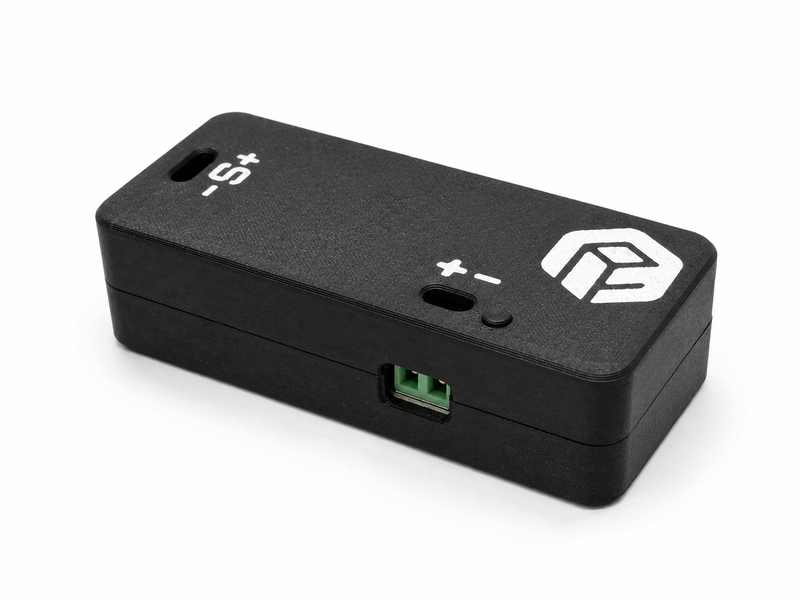
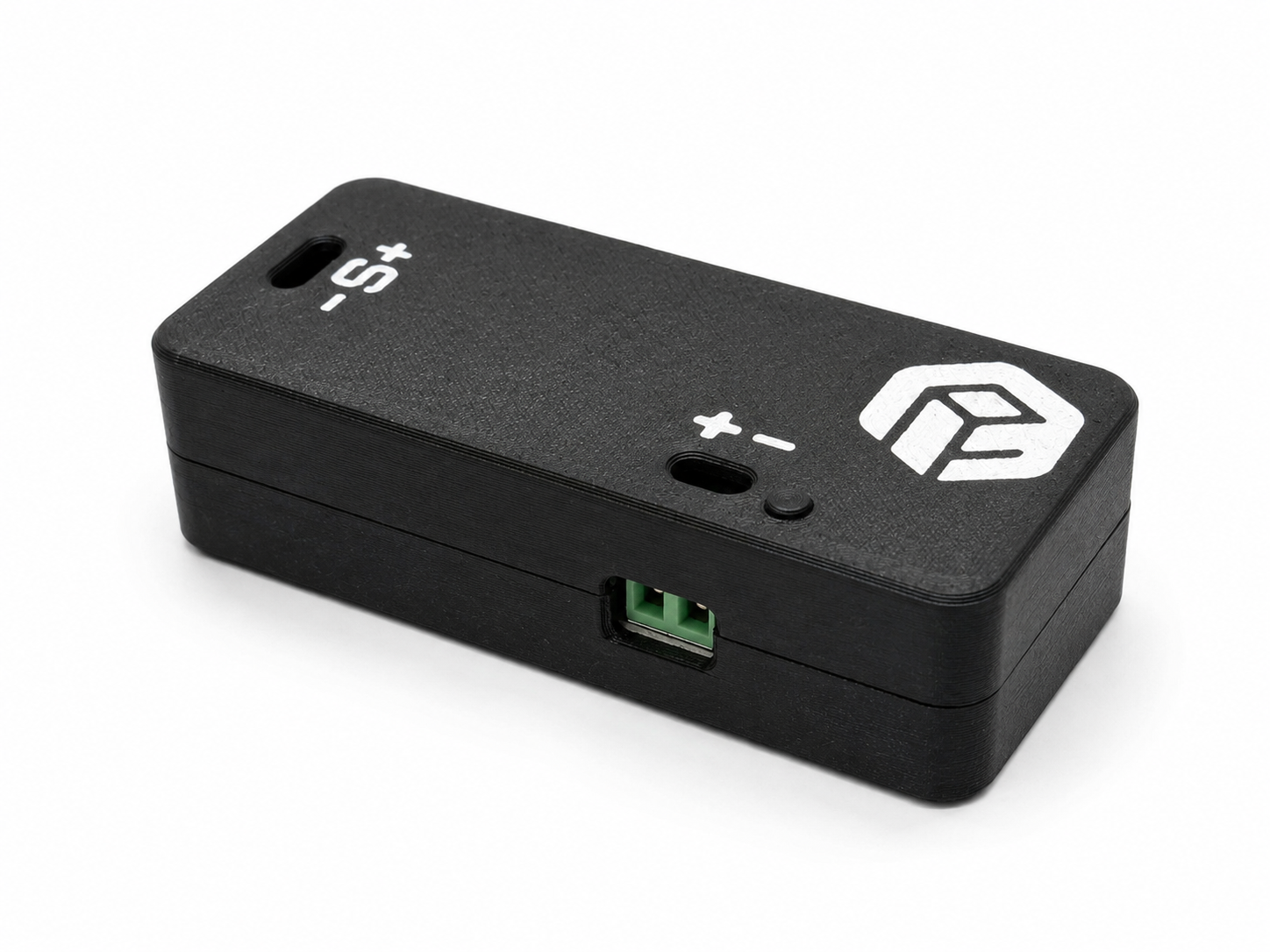
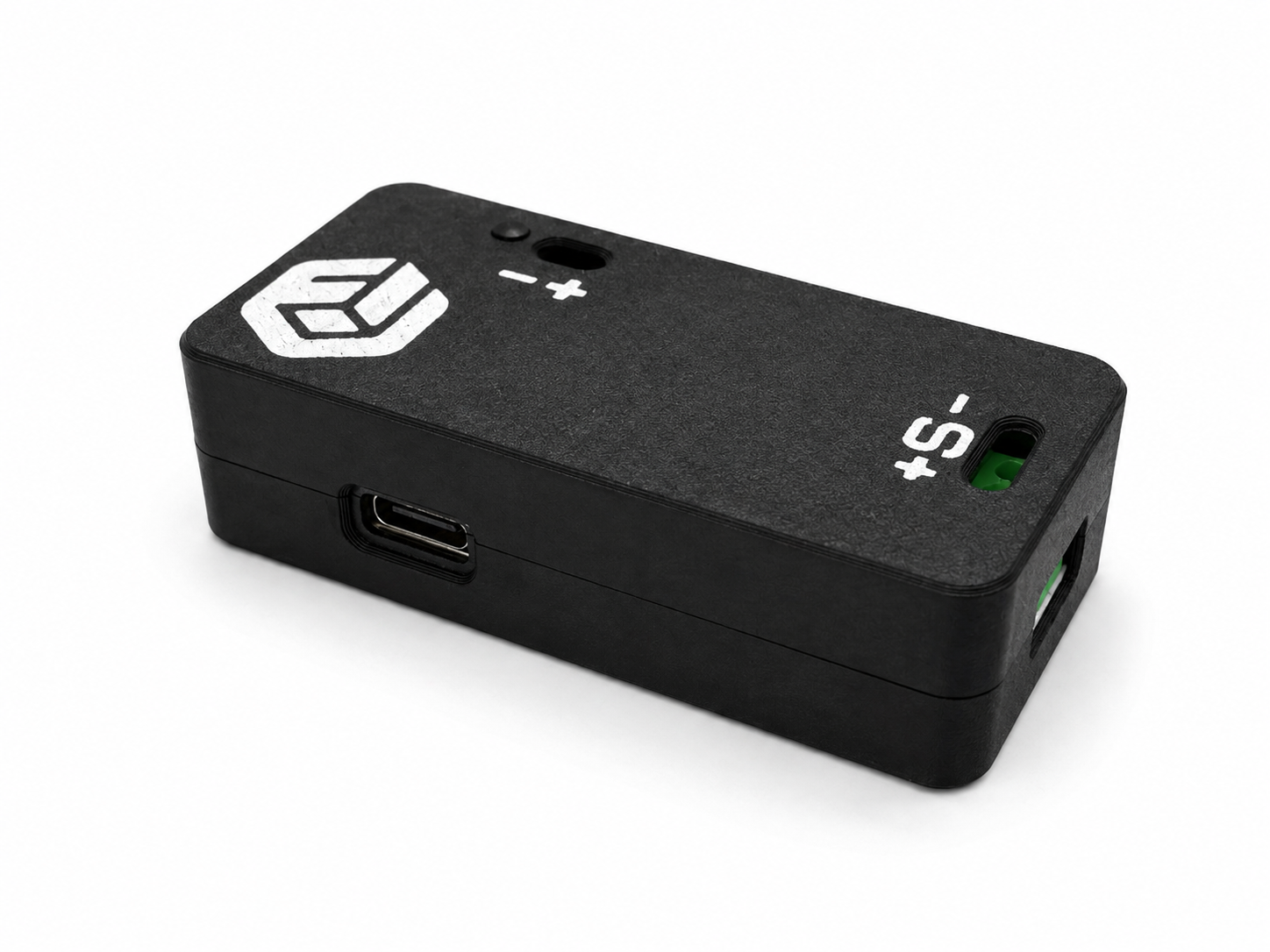
The Smart RGB LED pairs to your ncSender Wireless USB over the same wireless link as the Pendant and AutoDustBoot, so there’s nothing to wire back to your controller. It drives standard 12 V WS2811 strips — this 12 V WS2811 strip is tested and works.
- Pairs wirelessly through the ncSender Wireless USB (required)
- Firmware updates arrive over the air
- Drives 12 V WS2811 RGB strips — set the LED count to match your strip
At a glance
| LED type | 12 V WS2811 RGB strip |
|---|---|
| Power input | 24–36 V DC |
| Wireless | Paired through the ncSender Wireless USB |
| Reacts to | Idle, running, jogging, hold, alarm, door, probing, homing, tool change, job completion |
| Colours | Customisable per state in the RGB plugin |
| Brightness | Master 1–255, with idle dimming |
| Firmware | Over-the-air updates |
| Requires | ncSender, a Wireless USB, a 24–36 V supply and a 12 V WS2811 strip |
Questions
Do I have to program anything or edit G-code?
No. It reads the machine state from ncSender and lights up accordingly — nothing is wired into your controller and there’s no G-code to add. You can still customise every state’s colour in the RGB plugin.
What do I need to run it?
The ncSender software, an ncSender Wireless USB to pair it to, a 24–36 V DC power supply, and a 12 V WS2811 LED strip — this 12 V WS2811 strip is tested and works.
Will it remember my colours?
Yes. Your per-state colours and settings are stored on the controller and survive reboots — and moving it to another machine.
How do I set it up?
Install the RGB LED plugin from the ncSender catalog, open it from the Plugins panel, pair it with Pair New Device, then set the LED count to match your strip.
Reviews
No reviews yet.